
Free Arabic Fonts: How to Find Better Styles Without Guesswork
Find free arabic fonts, compare real previews, check licence labels, and export better Arabic text for posts, logos, and personal projects.
Finding free arabic fonts sounds easy until you actually start comparing them. One font looks elegant in a preview image but becomes hard to read in real text. Another seems useful at first, but the download page says very little about usage rights. That is why many people waste time jumping between tabs, testing random files, and still feeling unsure about which styles are worth using.
This guide is for ordinary users who want better free arabic fonts for posts, quotes, invitations, logos, mockups, or personal projects. Instead of guessing, you can use NuqtaForge to preview styles with your own text, compare many Arabic font options in one place, and make a more confident choice before you download or export anything.
TL;DR: The best way to choose free arabic fonts is to preview real text, compare several styles side by side, and check licence clues before treating a font as truly free. NuqtaForge helps you test Arabic font choices with live previews, searchable catalog results, export options, and practical licence labels that make the selection process much easier.
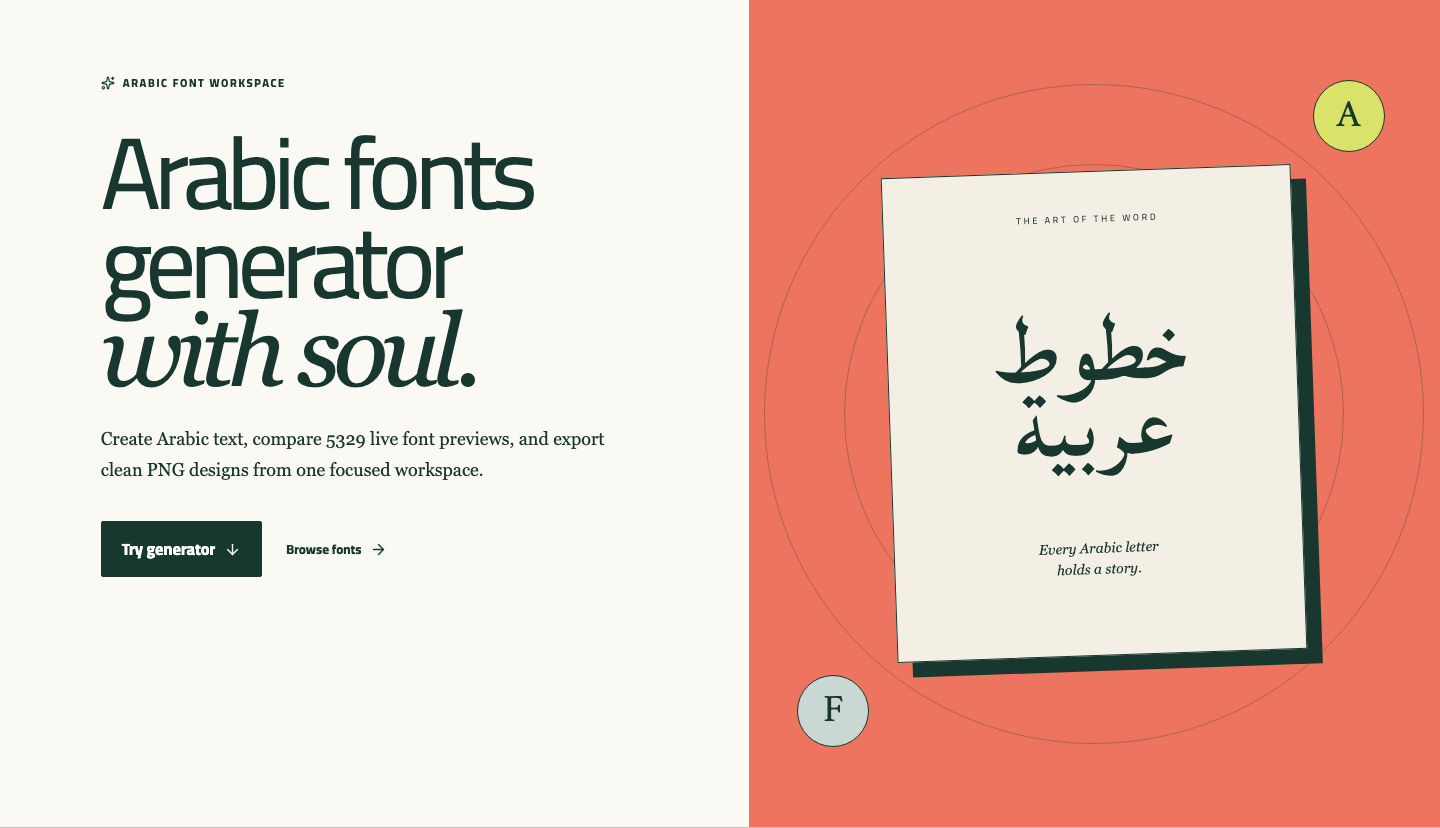
Screenshot 1. The NuqtaForge homepage gives you a fast starting point for exploring free arabic fonts and testing your own text right away.
Why choosing free arabic fonts is harder than it looks
Many websites list hundreds of free arabic fonts, but they do not help you judge how those fonts behave in real use. A decorative sample can look beautiful for one word and then fail completely for a longer phrase. A font that feels strong in a title may feel weak in a social graphic. A font page may also use the word "free" loosely, even when the rights for business use or redistribution are unclear.
That is why the real problem is not only finding free arabic fonts. It is finding options that fit your purpose, stay readable, and do not create confusion later.
What to check before you use free arabic fonts
Before choosing among free arabic fonts, focus on four practical questions:
- Does the font still look good when you preview your own words?
- Is the style right for the job, such as a quote, poster, logo idea, or invitation?
- Can you compare it easily against other Arabic font choices instead of judging it in isolation?
- Is there any licence clue that tells you whether the font is open, commercial, or still unclear?
Good Arabic font choices are not only about appearance. They are about fit. A clear Naskh-style option may work well for readable text. A geometric Kufic-inspired option may be stronger for branding ideas. A flowing script may feel more personal for greeting cards or quote images.
How NuqtaForge helps you compare free arabic fonts
NuqtaForge is useful because it reduces the trial-and-error stage. Instead of opening separate pages for preview, testing, and export, you can explore Arabic font options from one place.
1. Start with your own text
The fastest way to judge free arabic fonts is to test them with words you actually care about. Type a short phrase, a name, a quote, or a title idea into the generator. Once your own wording appears on screen, the difference between these fonts becomes much easier to see.
This matters because many font options look good only in their default specimen. Your own text reveals whether a style still feels balanced, readable, and attractive.
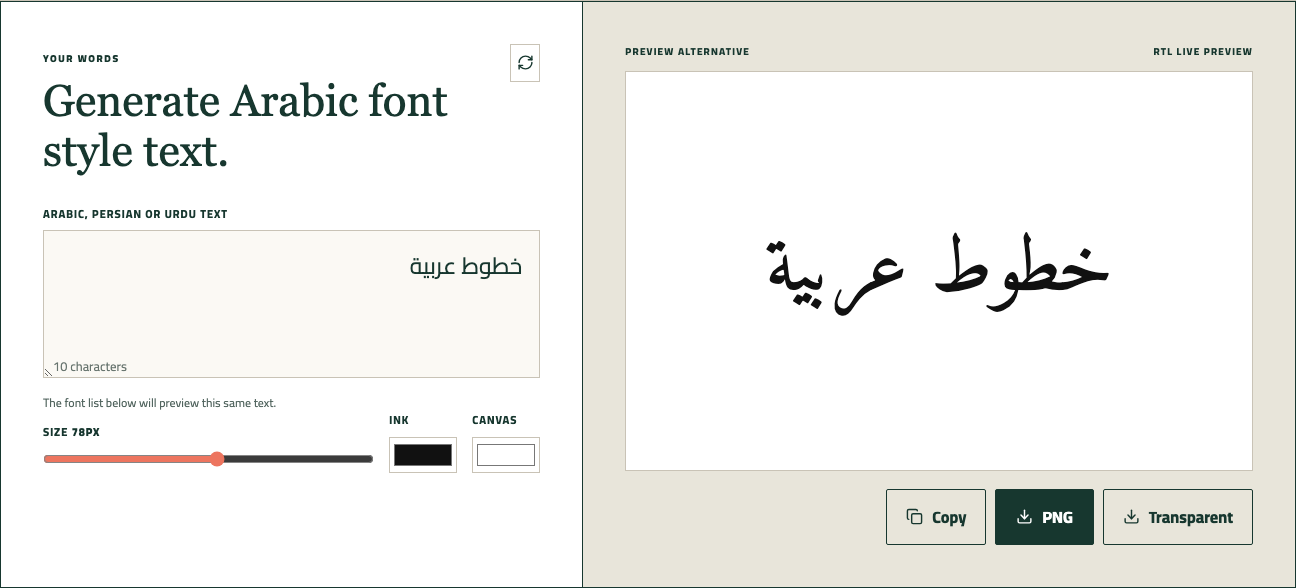
Screenshot 2. The live preview lets you test Arabic font options with your own text instead of relying on generic sample words.
2. Compare many free arabic fonts in one searchable view
Once you have a sample phrase, move into the catalog and compare multiple free arabic fonts without leaving the homepage. This is one of the biggest advantages of NuqtaForge. You can browse family names, styles, and visible previews in one searchable layout.
That is much more helpful than checking font downloads one by one on random pages. Side-by-side comparison makes it easier to notice which font feels too thin, too ornamental, too formal, or simply wrong for the task.
If you are still unsure, compare only three to five font options at a time. That is usually enough to spot the strongest option without turning the process into guesswork again.
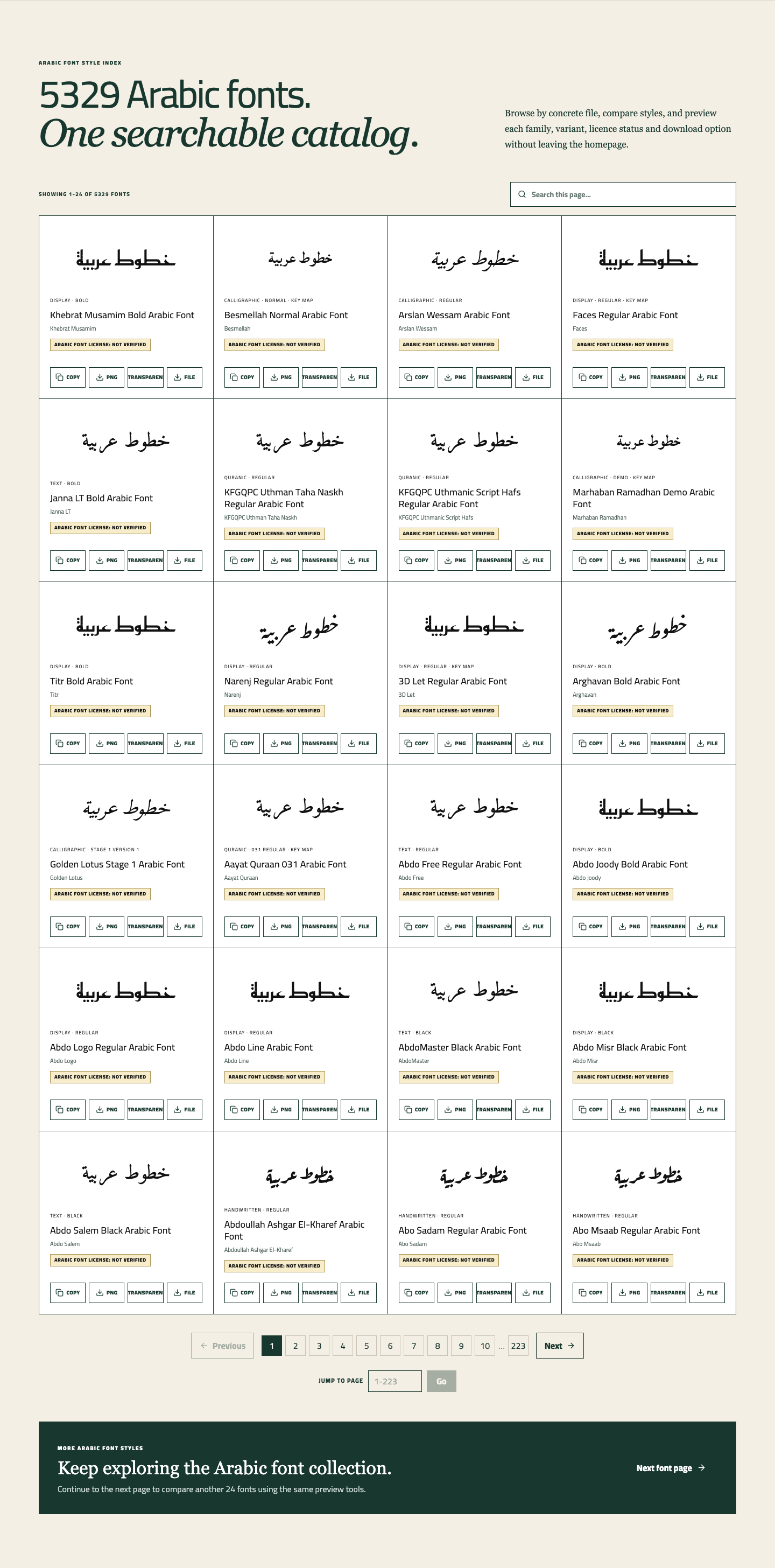
Screenshot 3. The searchable font catalog helps you compare many Arabic font options in one place instead of bouncing across multiple websites.
3. Check the licence clue before assuming a font is free
One of the most common mistakes with free arabic fonts is assuming that every downloadable file is free for every use. In reality, some options are open-source, some belong to commercial families, and some are simply not verified clearly enough.
NuqtaForge does not treat every font labeled as free as automatically safe for every purpose. That is useful because it reminds users to slow down before using a font in brand work, client work, resale products, or large public campaigns.
This does not make the site less useful. It makes the comparison more honest. When you are reviewing these fonts, a licence clue is often just as important as the visual style.
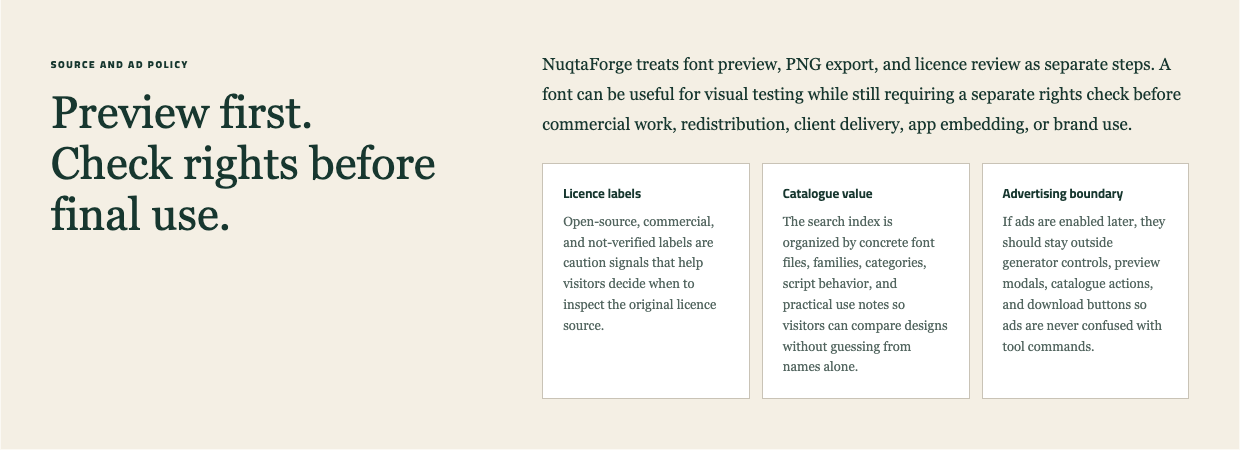
Screenshot 4. Licence labels and source guidance make it easier to judge whether a font is truly suitable for your final use.
4. Export a quick result before you commit
Sometimes the easiest way to judge free arabic fonts is to export the result and look at it outside the browser. NuqtaForge lets you copy the text, save a PNG, or export a transparent PNG. That means you can test your chosen font in a mockup, social post, cover image, or design board before making a final choice.
This step helps because many fonts feel different once they leave the preview area and appear in a real layout. An export gives you a more realistic decision point.

Screenshot 5. Copy, PNG, and transparent PNG actions help you test a font in real design situations before you settle on one.
Which free arabic fonts styles usually work best?
Not all free arabic fonts solve the same problem. A better approach is to match the style to the job:
- Use clearer options for readable quotes, captions, and titles
- Use more geometric options for logos, packaging ideas, and structured layouts
- Use expressive options for invitations, cover art, and poetic visuals
- Use simpler options when the text must stay easy to read on mobile
If you are new to free arabic fonts, start with readability first. It is usually smarter to choose a clean option that works well than a dramatic one that only looks good for a few letters.
Common mistakes people make with free arabic fonts
People usually struggle with free arabic fonts for the same reasons:
- judging a font from a tiny sample instead of real text
- choosing the most decorative option for a long phrase
- assuming every free-looking font is safe for commercial use
- skipping side-by-side comparison
- exporting too late, after already deciding emotionally
The safest habit is simple: test your phrase, compare several font options, check the licence clue, and export one or two short samples before choosing the final version.
How to get better results from free arabic fonts
If you want better results from free arabic fonts, keep your process short and practical:
1. Enter a short phrase you really plan to use. 2. Compare a handful of options instead of dozens at once. 3. Remove any option that feels weak or hard to read. 4. Check whether the font appears open, commercial, or unclear. 5. Export the strongest option and review it in context.
This works better than endless browsing because it turns a vague font search into a clear decision.
FAQ
Are all free arabic fonts safe to use commercially?
No. Some free arabic fonts are open-source, some belong to commercial families, and some have unclear usage rights. Always check the licence clue before using them in client or brand work.
How many free arabic fonts should I compare at once?
For most users, three to five options is enough. That is usually the best range for spotting real differences without getting overwhelmed.
Can I use free arabic fonts for social media graphics?
Yes, many free arabic fonts work well for social posts, quote cards, and cover images. The key is to test readability, spacing, and style before exporting the final result.
Why preview text matters when choosing free arabic fonts?
Because many free arabic fonts look appealing in a default sample but behave differently with your own phrase. Real preview text shows whether the font truly fits your need.
Final thoughts
The goal is not just to collect more free arabic fonts. The goal is to choose better options with less confusion. When you can preview real text, compare styles, review licence clues, and export a quick sample, the whole process becomes easier and more reliable.
If you want a faster way to explore free arabic fonts, start on NuqtaForge with your own phrase, compare a few strong options, and keep the one that feels both useful and visually right.
CTA: Try a short phrase in the generator, compare a few free arabic fonts, and export the best-looking version before you decide what to use next.
Go back to the homepage and test the Arabic font generator with your own text.
Try a short phrase, compare a few styles, and export the version that fits your post, logo, invitation, or design idea.